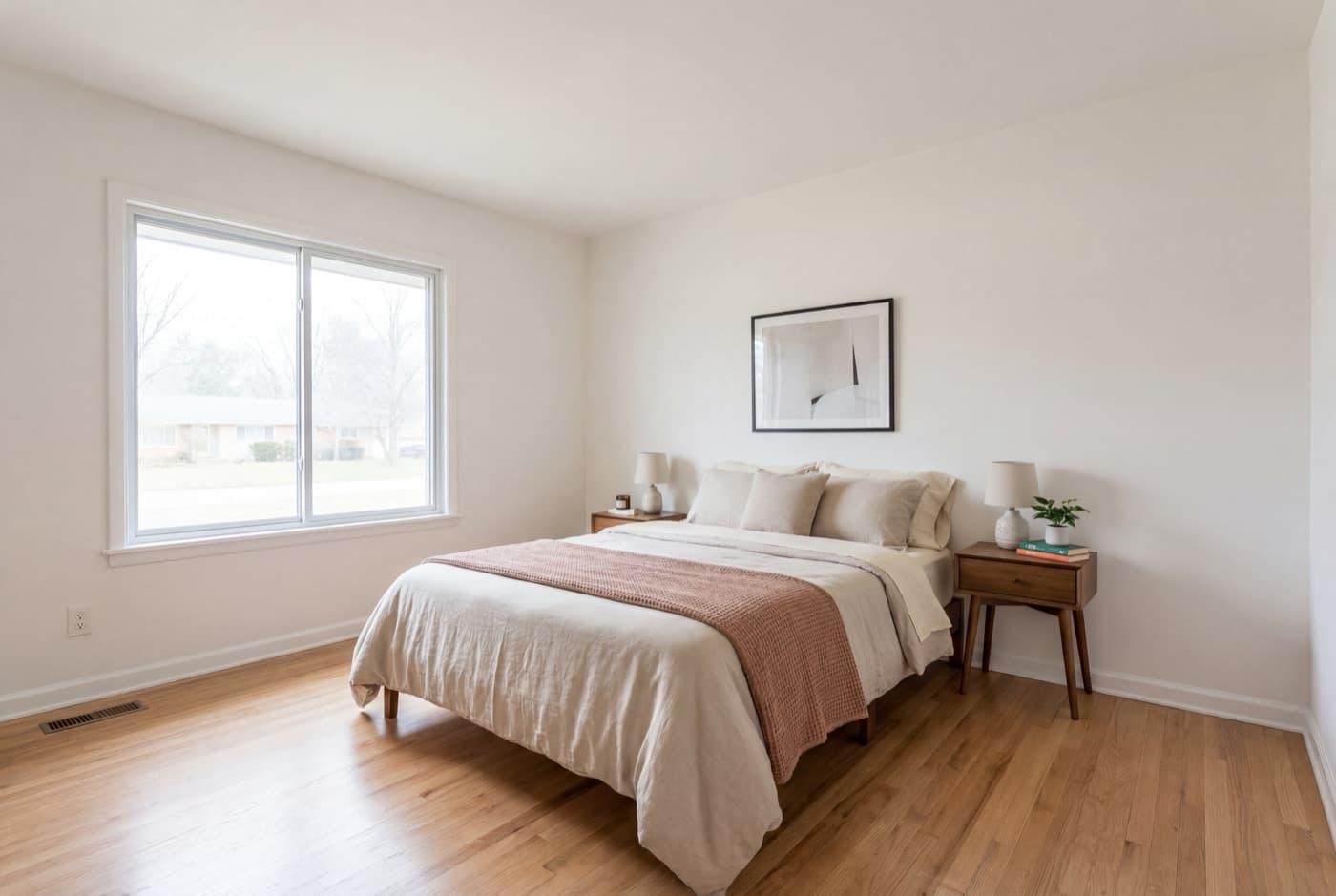
The real estate video editor that edits itself

Skip the timeline. Upload your listing photos and get a branded, MLS-ready video in minutes — no editing software, no footage, no learning curve.

Try free

No credit card · watermarked preview · cancel anytime

playing0:19
the manual way

5 photos · 27 seconds to render — no timeline touched

Why no editor

You don’t need real estate video editing software

A manual editor is a real, legitimate tool. The honest question isn’t which is better — it’s what each one asks of you, and what you’re trading for it.

Manual editor
CapCut / InVideo / hiring an editor
Input
Raw footage/photos + your time
Timeline
You cut every clip, pick transitions
Learning curve
Software to learn, templates to pick
Turnaround
DIY: hours. Outsourced: 1–5 days
Customization
Frame-by-frame manual control
Best for
One flagship listing, a custom brand story
ListingVideo
Photos in, video out
Recommended
Input
Just your listing photos
Timeline
No timeline — AI edits automatically
Learning curve
Upload and go — nothing to learn
Turnaround
Minutes
Customization
Adjustable options (branding, format, photo set) — no frame-by-frame control
Best for
Every listing, every week — volume that doesn't scale on a timeline

If you want full creative control over one flagship listing, a manual editor still wins. If you’ve got a new listing every week, waiting on a timeline doesn’t scale — that’s the trade this page is upfront about.

Just want AI to make the video — not comparing it to manual editing? AI real estate video →

AI real estate video editor

Upload photos. Get a finished video. No timeline.

01
Upload photos

Drop 3–20 listing photos, any device, any room type.

02
AI edits

Cuts, pacing, licensed music, and property captions chosen automatically — this is the "editing," done for you.

03
Download all formats

Landscape, portrait, square · branded and unbranded — one upload, every format you need.

One upload, every format

The same listing, every format you need.

Landscape · 16:9

MLS & websites

Portrait · 9:16

Reels & TikTok

Square · 1:1

Instagram

No queue, no templates

Skip the queue. Skip the template library.

An editing service without the wait
No editor queue, no waiting days for a first draft
No back-and-forth revision emails — re-upload if the photos change
Flat monthly plans instead of a per-project quote
No templates to pick — every listing gets its own edit
No template library to browse or fit your photos into
Motion, music, and caption style are chosen automatically from what's actually in your photos
Consistent, on-brand output every time — no re-configuring settings per listing
Plans

Start free. Plans built for volume listings.

Free
$0/mo
  • 720p landscape format
  • Watermarked preview
  • No credit card needed
StandardPopular
$59/mo
  • Clean 1080p · no watermark
  • All 3 formats (MLS + social)
  • Branded & unbranded
Premium
$129/mo
  • Everything in Standard
  • Logo overlay
  • Shareable video link

See full pricing →

Every video keeps your listing photos exactly as shot — no repainted walls, no generated furniture, no altered pixels. That’s what keeps it MLS-safe and Fair-Housing-safe by default.

Real estate video editor — questions
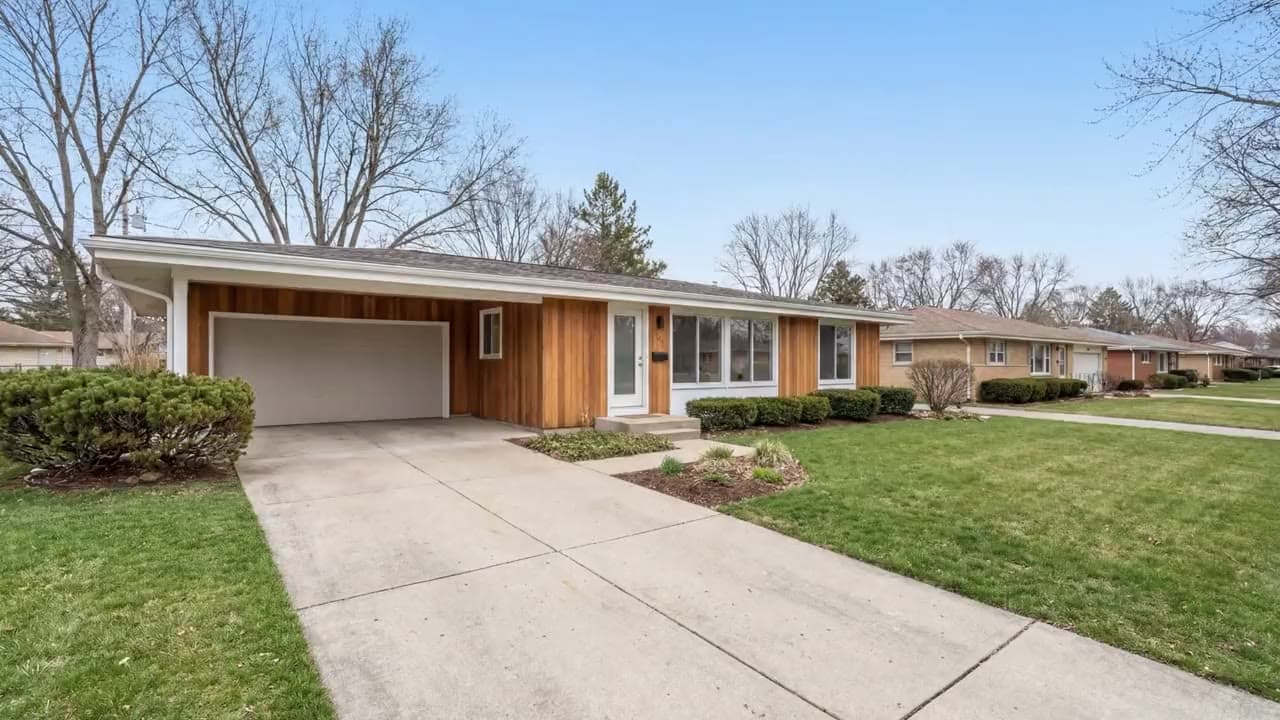
Not in the traditional sense — there's no timeline, no clips to drag, no software to open. It's an automated editor: you upload listing photos, and the AI makes the cuts, picks the music, and writes the captions for you. The "editing" happens automatically.

No. ListingVideo works entirely in your browser — no downloads, no editing software, no real estate video editing software to learn. Upload photos, and the AI handles the rest.

Not with a manual timeline — there's no frame-by-frame control. What you can adjust is which photos go in, whether the video is branded or unbranded, and which format you export (landscape, portrait, square). The cuts, pacing, and music are automatic by design — that trade-off is what makes it fast enough to use on every listing, not just one.

Yes. Any listing type — residential, commercial, vacant, or staged — and any device. The AI only adds motion, music, and captions; it never repaints, re-stages, or alters a single pixel of the photos you upload.

No — ListingVideo builds the video from your listing photos, not from existing footage, so there's no timeline to drop clips into. If you've already shot walkthrough or drone footage and want to cut it together, a manual editor or a videographer is the right tool for that job. What we replace is the filming and editing entirely: upload photos, get a finished video — no clips to manage.

A hired editor (freelance marketplace or agency) gives you full creative control but usually means a quote, a queue, and days of turnaround. ListingVideo skips the queue — upload photos, get a finished video in minutes, on a flat monthly plan instead of a per-project price.

No — and that's deliberate. Instead of picking from a template library and fitting your photos into someone else's design, the AI reads each set of photos and chooses the pacing, motion, and caption style automatically, per listing.

Paid-tier output is 1080p with licensed music, smooth Ken Burns motion, and property captions — not a slideshow. Agents and photographers use it on MLS, Zillow, and social media.

Landscape (16:9, MLS and websites), portrait (9:16, Reels and TikTok), and square (1:1, Instagram) — branded and unbranded versions of each, from one upload.

Your listing photos → your finished video. No editor required.

Upload photos, skip the timeline, get a polished listing video in minutes. Free preview, no credit card.